Your library. Directly connected.
Access your NAS, computer and local network shares over SMB. Browse familiar folders and play your collection.
 ZZPlayHow to get ZZPlay
 Local movies, your NAS library, VR videos and panoramic photos. Enjoy your own media on Apple Vision Pro.
From movies on your device to your home NAS, familiar folders open up a whole new viewing space.
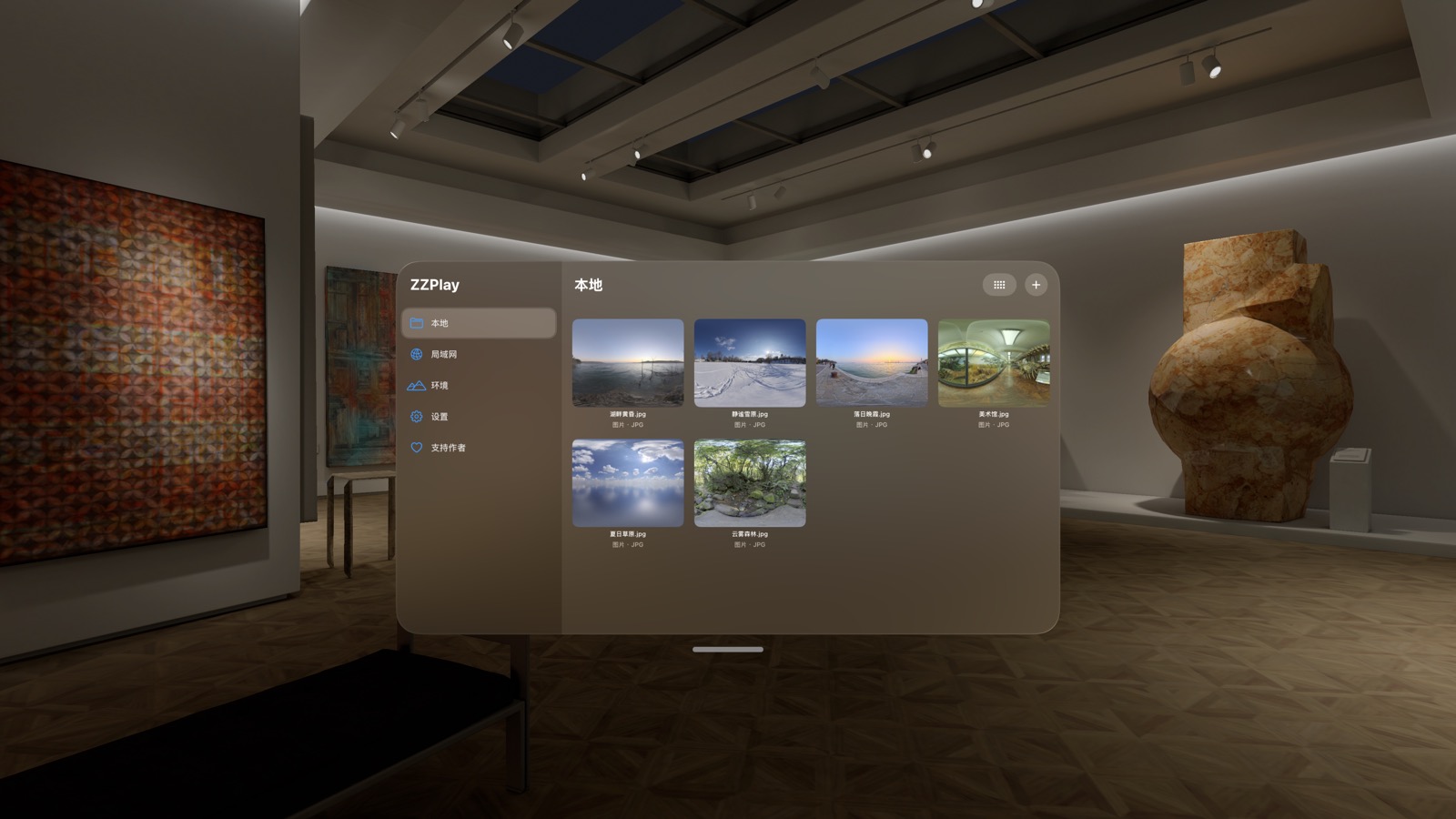
Access your NAS, computer and local network shares over SMB. Browse familiar folders and play your collection.
Watch VR videos and view panoramic photos immersively. Change your surroundings for a different viewing experience.
Open photos, slideshows and PDFs in the same media library. Give your favorite moments room to shine.
Use PS VR2 Sense controller rays and thumbsticks, or the system’s hand gestures and gaze interaction.
Open a panoramic photo and let the scenery surround you. Turn a screen into a viewing space of your own.
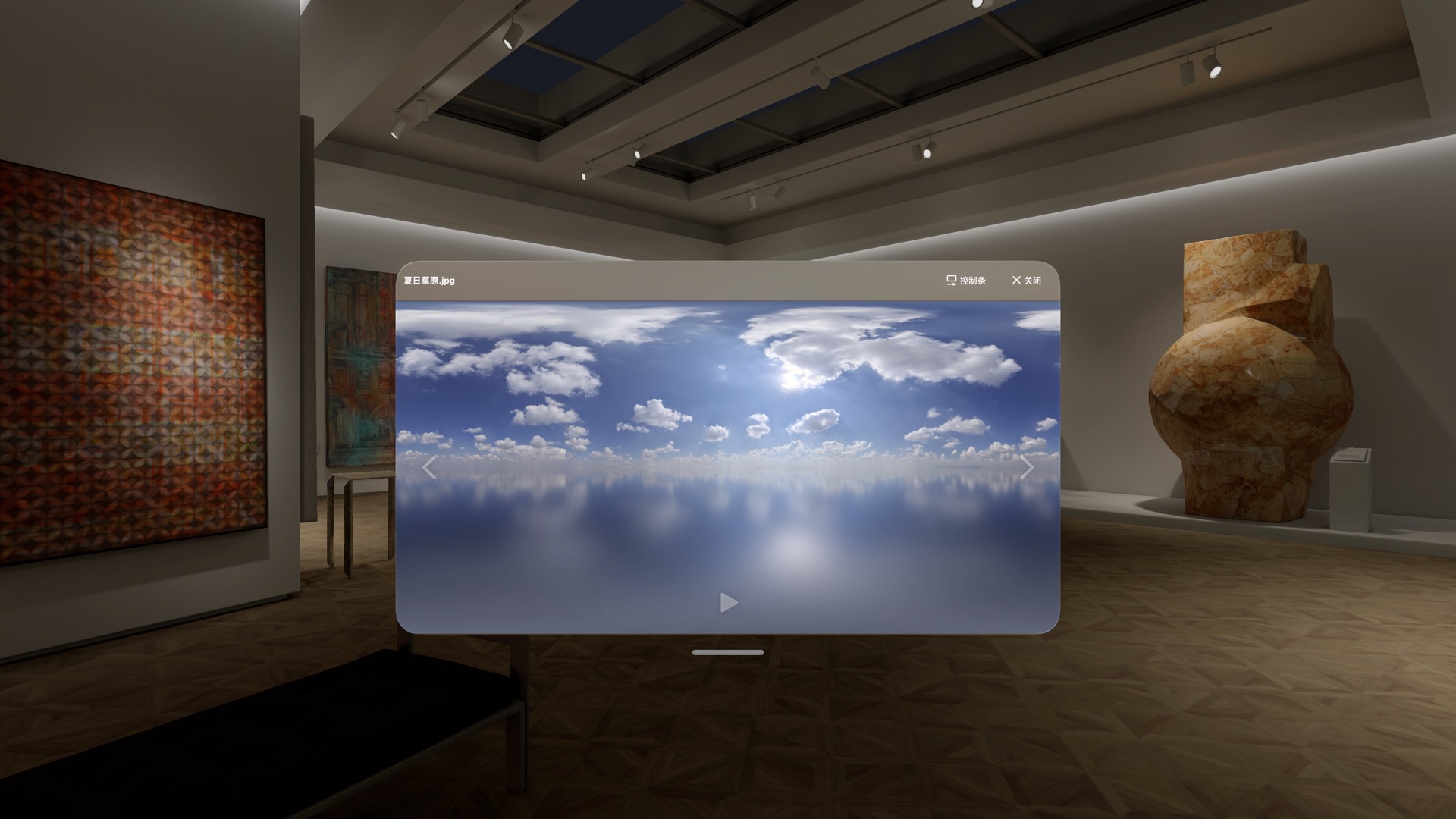
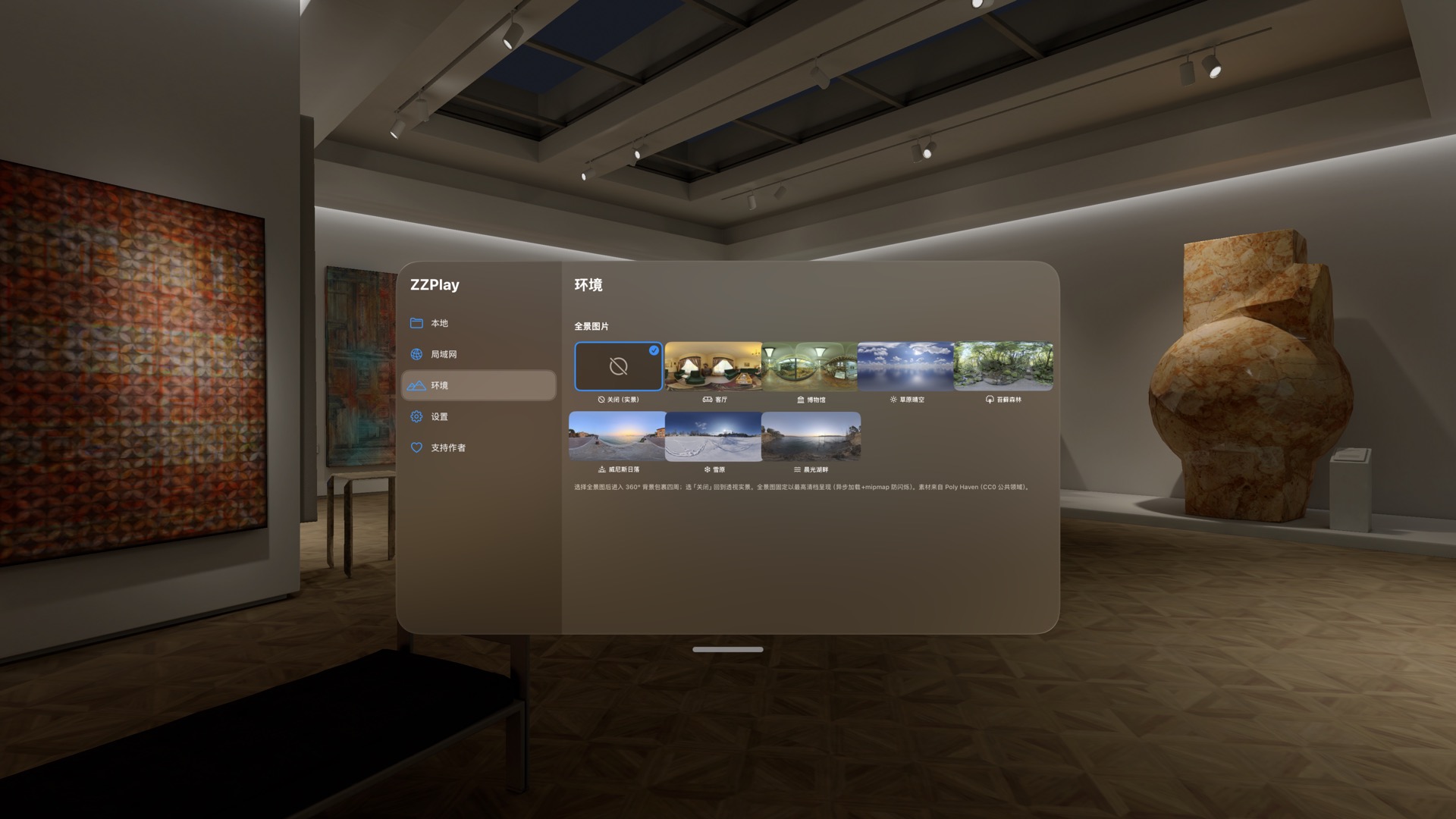
A museum, a forest, a sunset or a lakeside. Choose an immersive environment and leave the everyday outside the frame.
No account required, no ads or analytics SDKs. Media and playback preferences stay on your device; SMB credentials are stored in the system Keychain.
Read privacy policy (English / 简体中文)ZZPlay is built for Apple Vision Pro and requires visionOS 26 or later.
Every feature is free, forever. There are no subscriptions or feature paywalls. Optional in-app tips support the developer and do not affect access to features.
Connect Apple Vision Pro and your NAS or computer to the same local network. Enable SMB file sharing on that device, then add the server and sign in from ZZPlay’s local network page.
Unencrypted ISO / BDMV backups are supported. Playback depends on file encoding and device performance. Encrypted disc content is not supported.
No. You can use system hand gestures and gaze interaction. PS VR2 Sense controllers are an optional way to control the app.
Only when you configure your own OpenSubtitles account and use subtitle matching does the app send the video filename and file hash to that service. Available in select regions; see the privacy policy.
Open a world of your own on Apple Vision Pro.
Contact the developer to get ZZPlayEvery feature free, forever · Optional tips support development